
Katana AI: Reference in. Your edit out.

Upload a 4–15 second reference clip and 1–8 photos of your subject — Katana rebuilds the edit with your characters, products, or outfits while keeping the motion, framing, and rhythm.

1 reference clip → your edit4–15 secondsNo editing skills needed

1 Pick your reference

One clip. Your subjects. A rebuilt edit.

View all 8 presets

Selected: Outfit Check · 12s · 9:16

Create your reference edit

Your subject photos

Add 1–8 subject photosChoose images or drop them here

JPG, PNG, WebP · Up to 10 MB each

  • Clear, well-lit photos with the whole subject in frame work best.
  • Add several angles of the same subject for a steadier rebuild.

Output quality

Uploads are checked when you generate, before credits are charged

My creations
Preset reference clip

Your edit will be silent

No music, voices or sound effects. Attach reference audio, or add your own in TikTok, Reels or your editor.

Outfit Check

Style · 12s · 9:16

Preset reference clip · Preset reference footage, not a result generated by this site. AI results vary; review the motion and subjects before sharing.

Preset library

Reference clips that carry the direction

01

Motion follows the reference

Walks, orbits, reveals and scans — the clip you pick decides how your edit moves.

02

Cuts keep the rhythm

Beat-matched swaps and slow holds land on the same timing as the source.

03

Your subjects take the frame

Characters, outfits and products from your photos step into the reference motion.

Preset references

Start from a clip that already works

12 seconds · Vertical

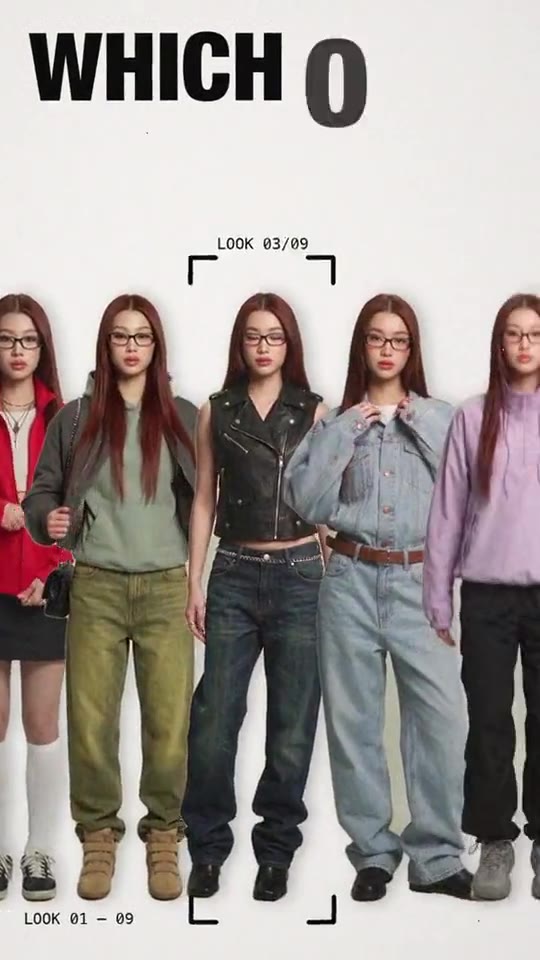
Outfit Check

Full-length look reads head to toe.

6 seconds · Square

Chrome Orbit

Orbiting product shot with sweeping reflections.

15 seconds · Vertical

Clone Squad

One subject multiplied into a synced formation.

15 seconds · Vertical

Dreamy Streetwear

Slow-motion walk with drifting cuts.

From reference to result
Three steps to a rebuilt edit

Uploading a reference clip01

Upload the reference

A 4–15 second clip — yours or a preset — sets the motion and cut timing.
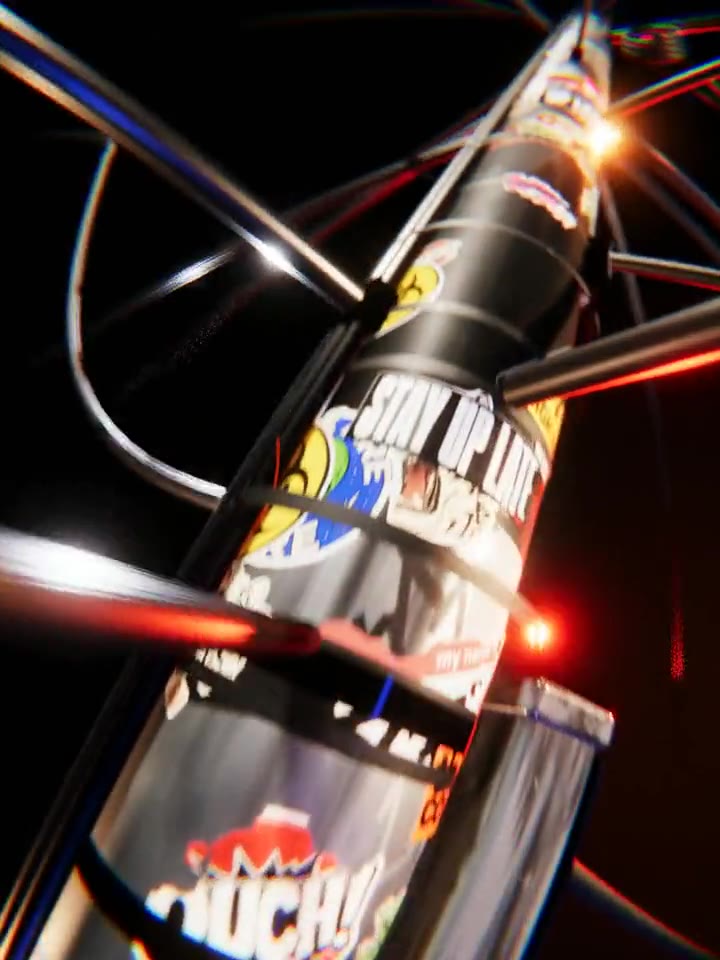
Adding subject photos02

Add subject photos

One to eight images of the subject that should appear — clear light, whole subject in frame.
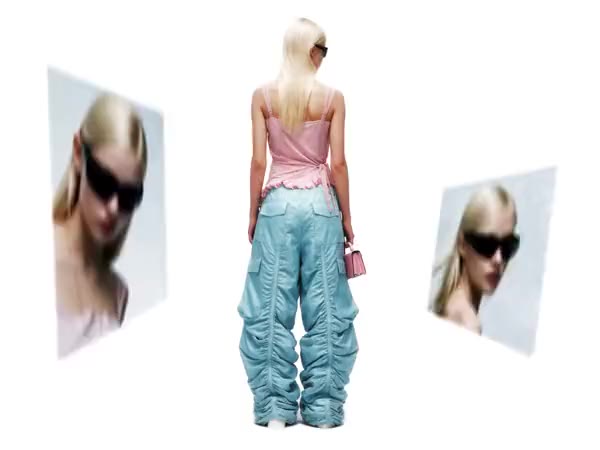
Generated reference edit03

Generate the edit

The engine rebuilds the clip around your subjects; the finished MP4 is ready to share.

What is Katana AI
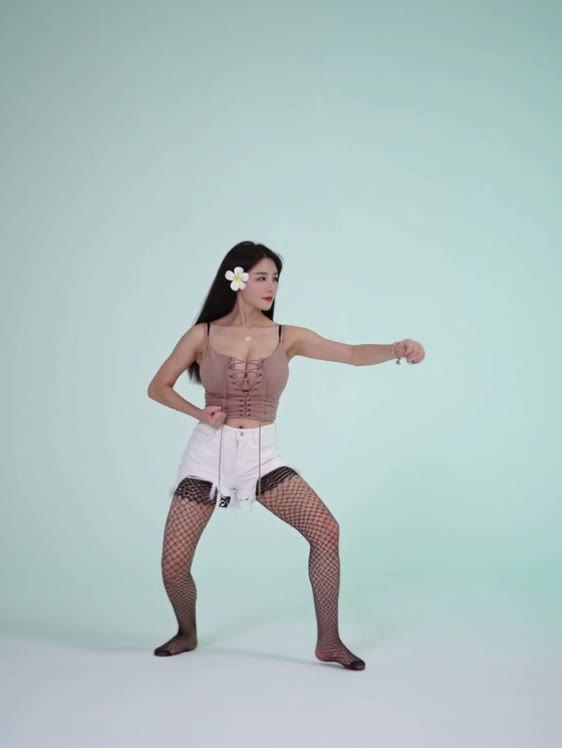
A reference-to-video studio, not a prompt box

Katana AI reference-to-video demo frame
01

The reference is the direction

Instead of describing a shot in words, you show it: a clip you like becomes the blueprint your edit is rebuilt from.

02

Photos supply the cast

One to eight subject photos tell the engine who or what should appear — a person, a product, an outfit.

03

Motion, framing, rhythm preserved

Camera moves, cuts and pacing carry over from the reference; the subjects inside the frame are yours.

04

Built for short-form

Reference clips run 4–15 seconds — the length of a Reel, a Short, or a TikTok beat.

Katana AI Pricing

One-time credit packs, no subscription. Pick a pack, drop a reference, and your edit renders in minutes.

支払いやプランに関するご質問はサポートまで: サポートに問い合わせ

主要な決済ネットワークで安全にチェックアウト

  • Mastercard
  • Visa
  • American Express
  • Apple Pay
  • UnionPay
  • Google Pay
  • JCB
  • Discover
  • Click to Pay

利用可能な決済方法はチェックアウト時に表示され、決済事業者・デバイス・通貨・地域によって異なる場合があります。

Review pricing, credits, validity, and refunds before choosing a Katana AI credit pack.

Understand the pack before you pay

01How does pricing work?
Katana AI sells one-time credit packs — no subscription and no recurring charge. Buy a pack once and spend the credits whenever you want.
02How many credits does one edit cost?
Edits bill per second of video: 6 credits/s at 480p, 12 credits/s at 720p, and 62 credits/s at 1080p — counted over reference plus output length. A 10-second 720p edit runs about 240 credits — the studio always shows the exact estimate before you generate.
03Do credits expire?
No — credits from one-time packs never expire. Use them on this week’s trend or the next one.
04Is there a subscription?
No. Every pack is a single payment — there is nothing to cancel and nothing renews automatically.
05What do I get for each generation?
Each render returns an MP4 edit built from your reference clip and subject photos — all preset references are included at no extra charge.
06Can I use generated videos commercially?
Yes, paid credits can be used for personal and commercial projects, subject to the terms of service and your rights to the uploaded reference and images.

プリセットライブラリ

リビルドできる参照クリップ

参照をプレビューして、自分の被写体写真で実行。

8 件のプリセットをすべて見る
12s · 9:16Style

Outfit Check

6s · 1:1Product

Chrome Orbit

15s · 9:16Identity

Clone Squad

11s · 9:16Identity

Tiger Eyes

15s · 9:16Style

Dreamy Streetwear

11s · 9:16Style

Palette Showcase

11s · 9:16Style

Menu Outfit Swap

15s · 9:16Motion

Cyberpunk Scan

FAQ

Questions, answered

01What is Katana AI?
Katana AI is a reference-to-video studio. You upload a short reference clip and photos of your subject, and the engine rebuilds the edit with your subjects while keeping the reference motion, framing and rhythm. It is an independent product, not affiliated with Higgsfield or Anthropic.
02What do I need to make an edit?
One reference video between 4 and 15 seconds and at least one subject photo — up to eight. Audio is optional; instructions are optional too.
03Can I use a clip I found online?
Only upload clips and photos you own or have permission to use, and make sure you have consent from anyone shown. The rights checkbox in the studio confirms this before every render.
04How long are the videos?
Your edit matches the reference length — 4 to 15 seconds. Output quality is your choice: 480p draft, 720p HD, or 1080p max.
05Does it cost anything to try?
New accounts get free starter credits. After that, edits bill per second of video — the exact estimate shows before you generate.
06What do I download?
A standard MP4 sized to your chosen aspect ratio, ready for TikTok, Reels, Shorts, or your editor.

Reference in. Your edit out.